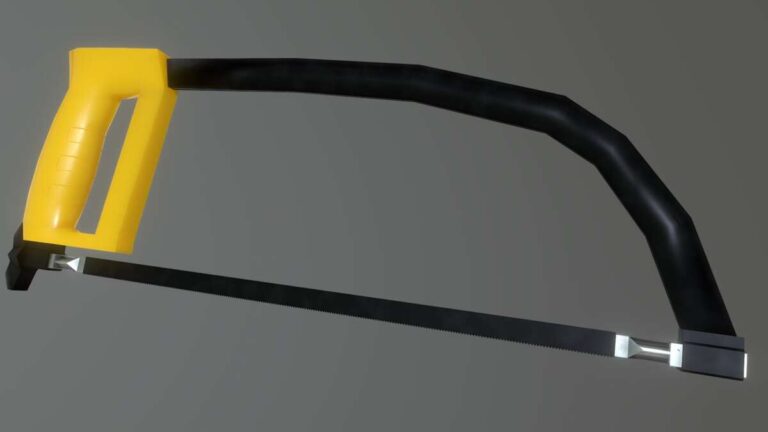
What Are Bi-Metal Hacksaw Blades: Are They Worth It?
A bi-metal hacksaw blade has two layers of steel joined together. The back is tough and flexible. The cutting edge is hard and wear-resistant. This design helps the blade cut metal without breaking as easily as a single-metal blade.
For most U.S. home workshops, maintenance crews, plumbers, and fabricators, bi-metal hacksaw blades are worth the extra cost. They last longer and resist tooth breakage better than basic carbon-steel blades. A cheaper carbon-steel blade may still be the better choice for light work, soft materials, or a one-time repair.
The best choice depends on the material, its thickness, the hacksaw frame, and how often you cut.
What is a bi-metal hacksaw blade?
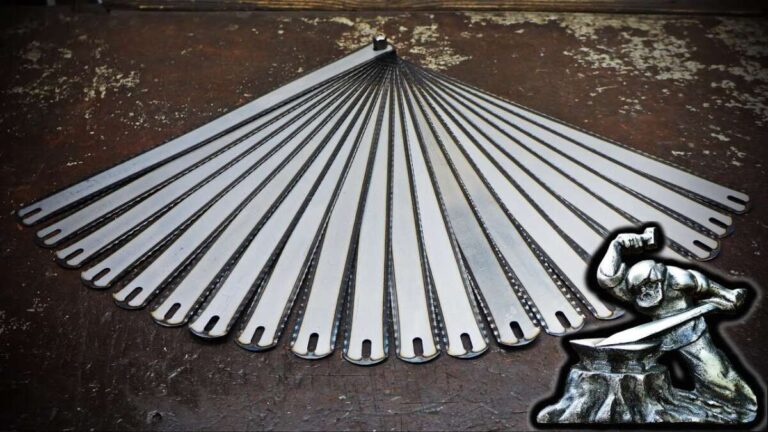
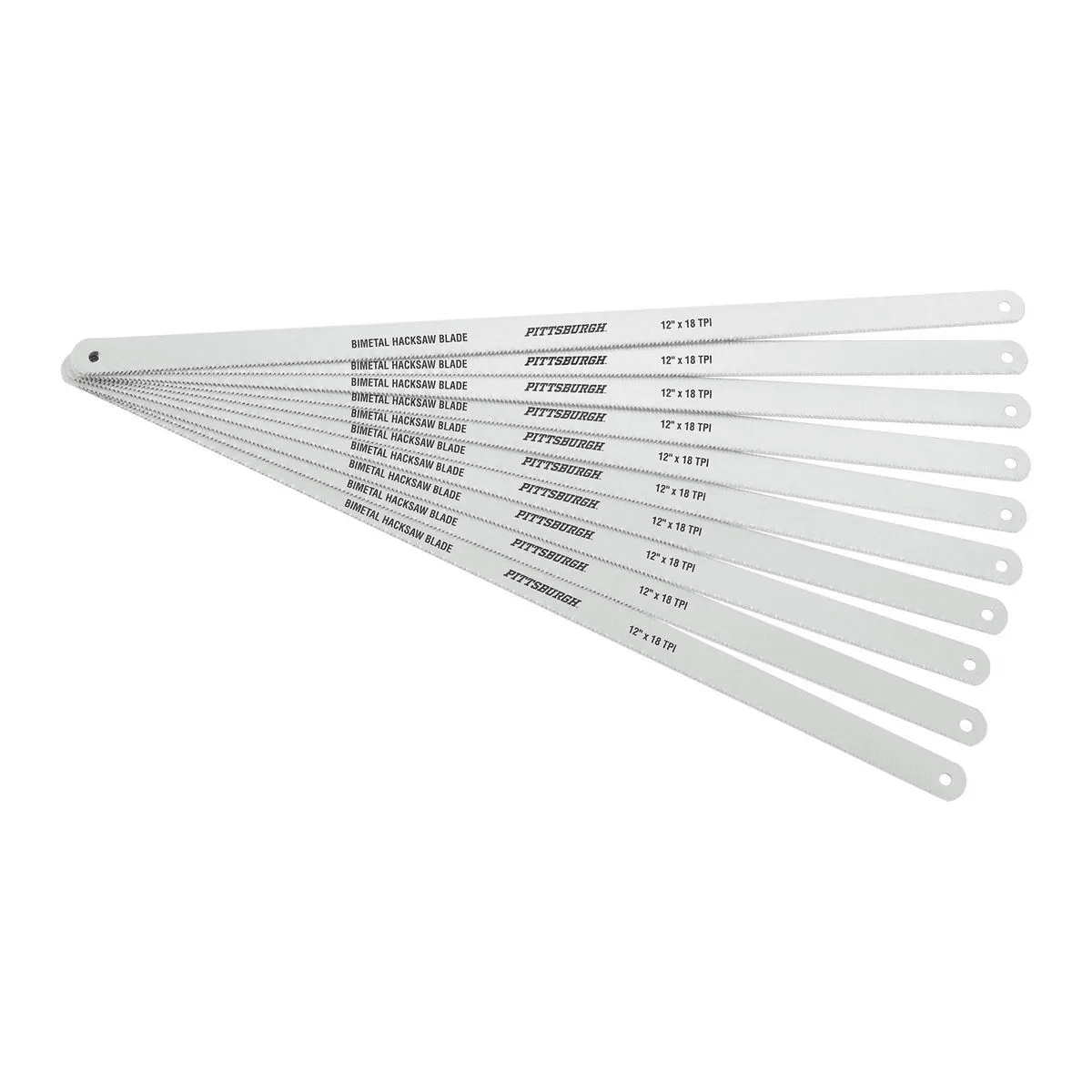
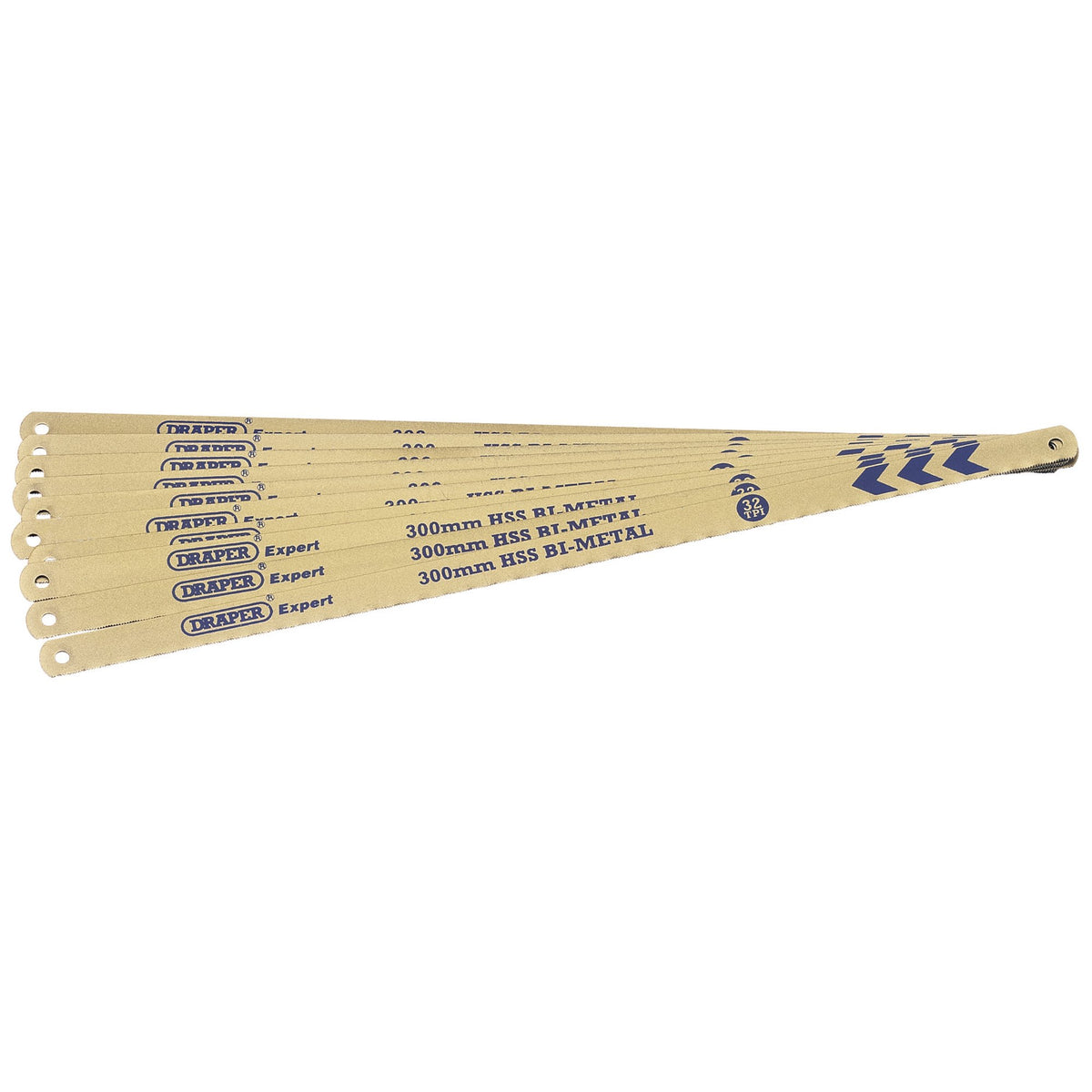
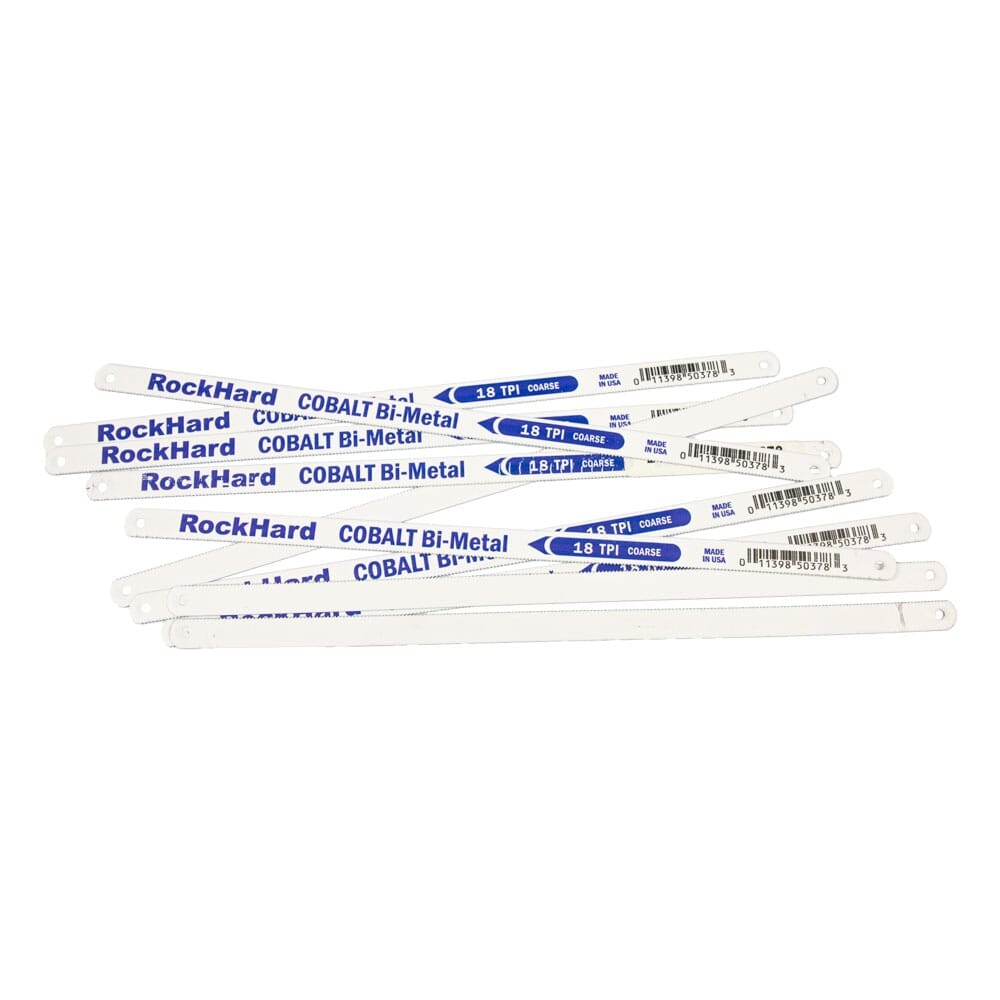
A bi-metal hacksaw blade combines a flexible alloy-steel body with a harder cutting edge. The two metals are joined through a manufacturing process such as electron-beam welding. This creates one blade with different properties in different areas.
The blade body needs to bend without snapping. The teeth need to stay hard so they can cut steel, stainless steel, aluminum, copper, and other materials. One metal rarely provides both traits well. Bi-metal construction solves that problem.
Most bi-metal blades used in the United States have:
- A flexible spring-steel backing
- Teeth made with high-speed steel, often called HSS
- A welded bond between the backing and tooth strip
- Hardened teeth that resist wear
- A standard hacksaw blade length, often 12 inches
The exact metals vary by brand and model. Some cutting edges use M2 high-speed steel. Others use M42 high-speed steel, which contains more cobalt and can resist heat and wear well. The product label should provide the actual specification.
“Bi-metal” does not mean that the whole blade has two equal layers. In many designs, only a narrow strip that contains the teeth uses high-speed steel. The rest of the blade acts as a flexible support.
How the two metals work together
The hard tooth edge does the cutting. The flexible back absorbs bending and vibration.
That matters because a hacksaw blade faces several types of stress:
- Bending while the blade is under tension
- Shock when a tooth enters a hard spot
- Heat from friction
- Vibration from long strokes
- Wear as the teeth remove metal
A single-metal blade must balance hardness and flexibility. If it is very hard, it may snap. If it is very flexible, its teeth may wear faster. A bi-metal blade separates these jobs between two materials.
The result is not an unbreakable blade. A bi-metal blade can still fail if you twist it, use the wrong tooth pitch, or put too much force on it.
How do bi-metal hacksaw blades compare with other blade types?
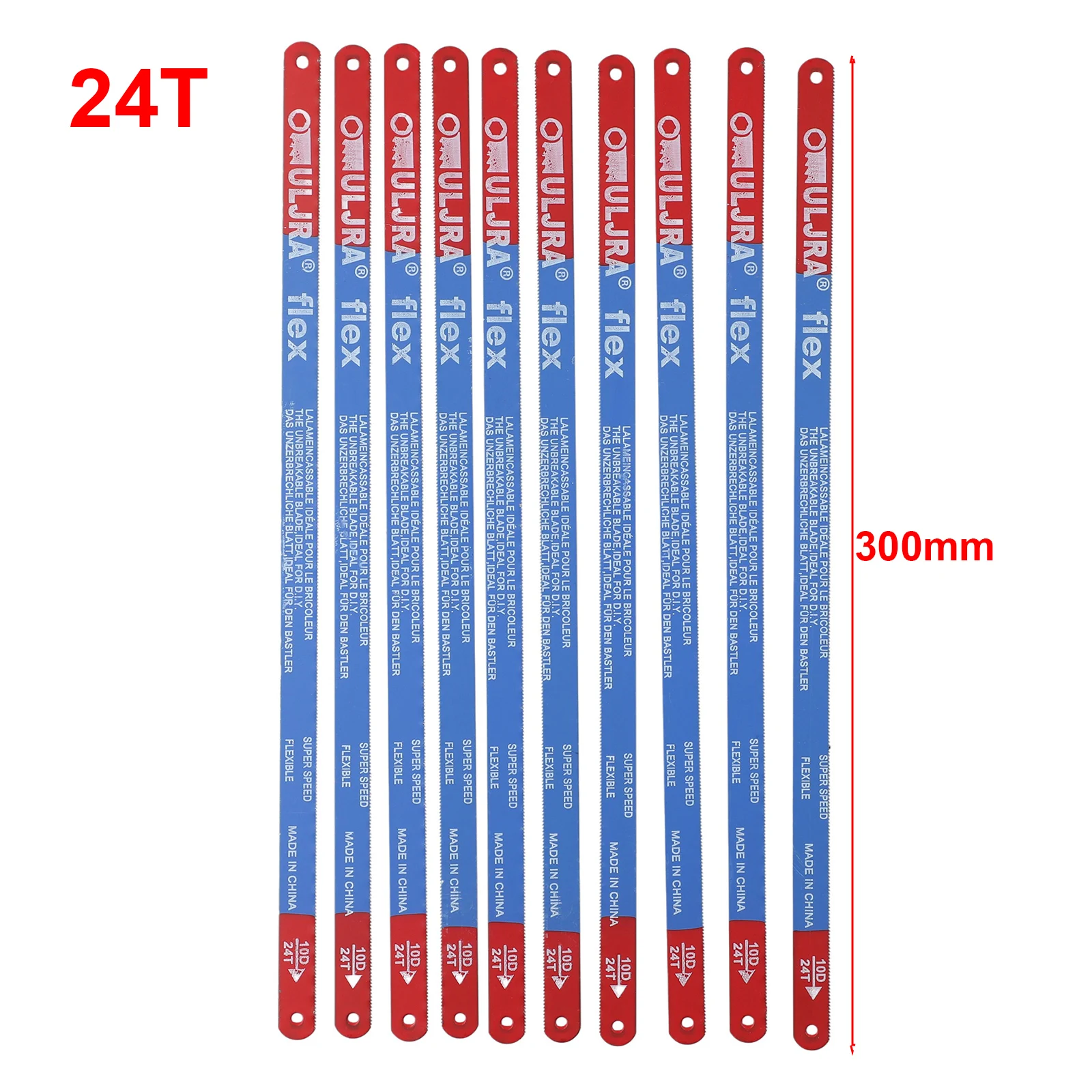
Bi-metal blades usually offer the best balance for general metal cutting. They are not always the cheapest or fastest option.
| Blade type | Main strength | Main weakness | Good use |
|---|---|---|---|
| Carbon steel | Low purchase cost | Teeth wear and break sooner | Light work and soft materials |
| Bi-metal | Good life and tooth toughness | Costs more than carbon steel | General metal cutting |
| Carbide-grit | Cuts hard, brittle, or abrasive materials | Slower and less suited to thin stock | Cast iron, tile, composites |
| Carbide-tipped | Long life in demanding work | Higher cost and special use | Hard alloys and production work |
Carbon-steel blades
Carbon-steel blades are often the least expensive option. They can work well on plastic, wood, thin aluminum, and occasional light repairs.
Their teeth are more likely to dull or strip when used on thick steel, stainless steel, or hardened material. They may also break if the frame is used with high tension or if the cut binds.
A carbon-steel blade can make sense when the job is small and the blade will not see much use. It is less attractive when downtime or repeated blade changes matter.
Bi-metal blades
Bi-metal blades are the common middle ground. They can handle a wide range of metals and usually tolerate more abuse than carbon-steel blades.
Their main value is not simply a harder tooth. It is the combination of a hard edge and a flexible back. That helps reduce tooth loss and blade breakage during normal hand-saw work.
Carbide-grit blades
Carbide-grit blades do not use normal saw teeth in the same way. Their edge has abrasive carbide particles. They can work on materials that are difficult to cut with standard teeth.
These blades may suit cast iron, fiberglass, cement board, and some composite materials. They are not the default choice for ordinary mild steel pipe or flat bar.
Carbide-tipped blades
Carbide-tipped hacksaw blades use individual carbide teeth or tips. They can cut hard or abrasive materials well, but they cost more and need careful use.
For most home repairs, a bi-metal blade is simpler and more economical. Carbide becomes more useful when the work involves hardened alloys, abrasive stock, or repeated production cuts.
Are bi-metal hacksaw blades worth the money?
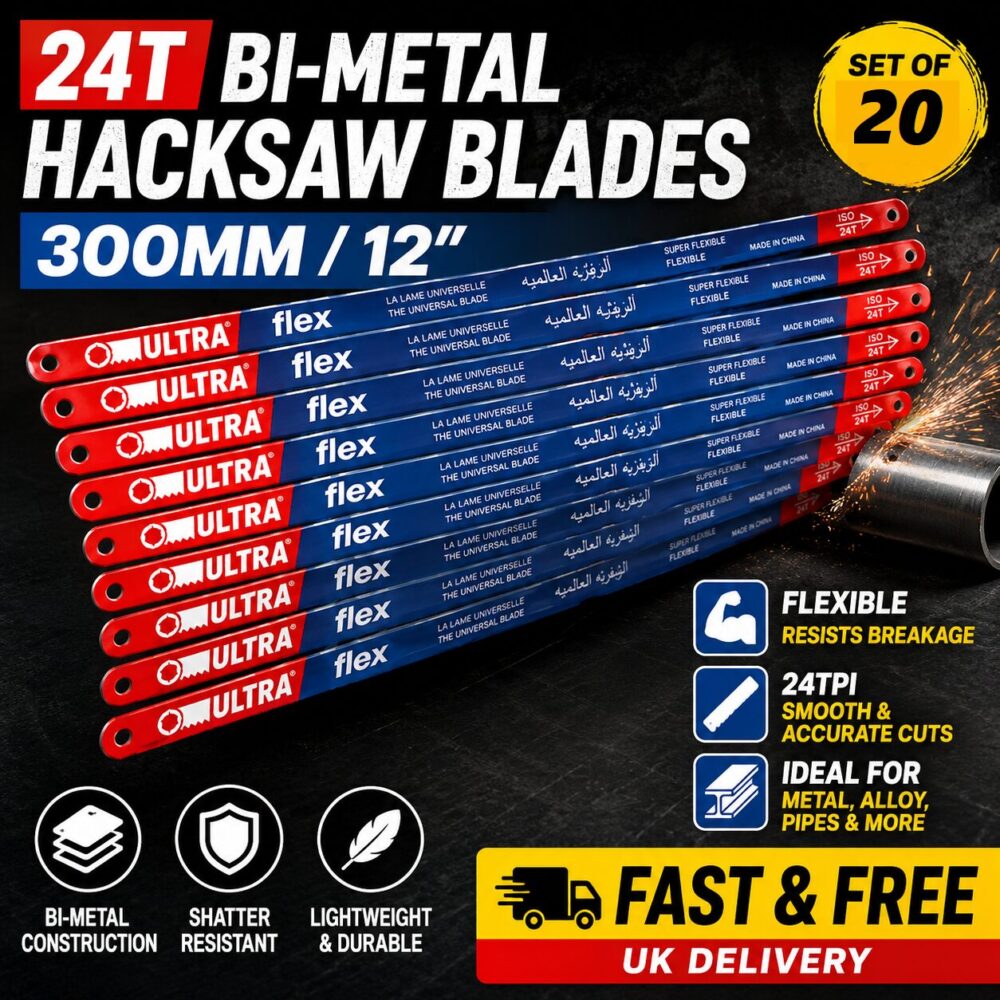
Bi-metal hacksaw blades are usually worth the money when you cut metal more than occasionally or work with tough materials. Their higher price can be offset by longer service life, fewer broken teeth, and fewer blade changes.
They may not be worth it for one short cut in soft plastic or thin aluminum. In that case, a basic blade may finish the job at a lower cost.
A simple way to compare value is:
Cost per usable cut = blade price ÷ number of useful cuts
This is a hypothetical example:
- Carbon-steel blade: $3 and 3 useful cuts = $1 per cut
- Bi-metal blade: $8 and 12 useful cuts = about $0.67 per cut
The numbers will vary. They depend on the material, blade quality, tooth pitch, cutting pressure, and user technique. A more expensive blade is not automatically cheaper to use.
Bi-metal blades are often worth it for:
- Steel tubing
- Mild-steel flat bar
- Stainless-steel parts
- Threaded rod
- Bolts and screws
- Copper and brass stock
- Aluminum sections
- Frequent repair work
- Jobs where broken teeth cause delays
A cheaper blade may be enough for:
- A single PVC cut
- Thin plastic sheet
- Soft wood
- A small aluminum trim piece
- Very occasional use
- A temporary or rough cut
The biggest benefit appears when a low-cost blade fails early. A blade that costs less but strips teeth halfway through the cut may waste more time than it saves.
How do you choose the right bi-metal hacksaw blade?
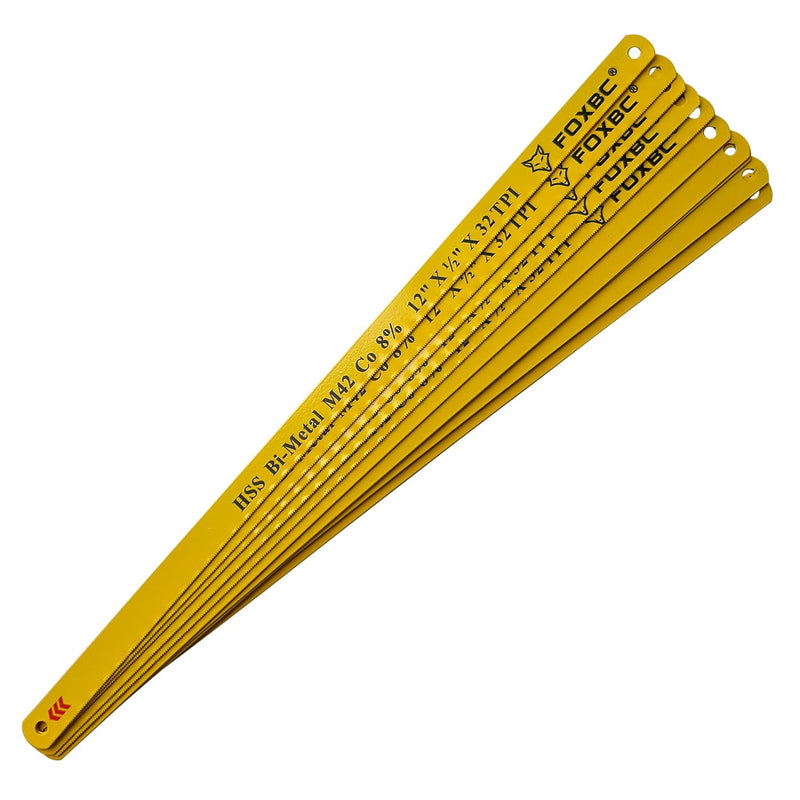
Choose the blade by matching its tooth pitch and size to the material. A blade with the wrong tooth pattern can cut poorly even if its steel is excellent.
1. Select the correct length
Many full-size U.S. hacksaws use 12-inch blades. Junior hacksaws and compact frames use shorter blades. Check the frame before buying.
The blade must fit the mounting pins or slots. It should also sit straight and allow the frame to apply tension evenly.
Do not force a blade into a frame that was not designed for it. The wrong length can reduce tension and make the blade more likely to wander or break.
2. Select the right teeth per inch
Teeth per inch, or TPI, describes the tooth count along one inch of blade. A higher TPI gives smaller teeth. A lower TPI gives larger teeth.
Use this general guide:
| Material or workpiece | Common starting range |
|---|---|
| Thin sheet metal | 24–32 TPI |
| Thin-wall tubing | 24–32 TPI |
| Small solid metal stock | 18–24 TPI |
| Medium steel bar or pipe | 14–18 TPI |
| Thick stock | 10–14 TPI |
| Plastic or soft material | 10–18 TPI, depending on thickness |
These ranges are starting points, not universal rules. The key rule is that several teeth should stay in contact with the work during the cut.
If too few teeth touch the material, the blade can catch and strip teeth. If too many teeth engage at once, the gullets may fill with chips and the blade may cut slowly.
A useful practical target is to keep at least three teeth engaged. Thin material often needs a finer pitch so that the blade does not catch on the edge.
3. Consider a variable-pitch blade
A variable-pitch blade uses different tooth spacing along its cutting edge. This can reduce vibration and help the blade handle changing thickness.
Variable-pitch blades can be useful for tubing, structural shapes, and general repair work. They are not magic, though. The blade still needs the correct tension, feed pressure, and cutting angle.
4. Check the tooth set
The tooth set is the slight side-to-side spacing of the teeth. It creates a cut wider than the blade body, called the kerf. The wider kerf prevents the blade from rubbing against the sides of the cut.
A damaged or worn tooth set can make the blade bind. Do not keep using a blade that rubs heavily, wanders, or needs excessive force.
How should you use a bi-metal hacksaw blade?
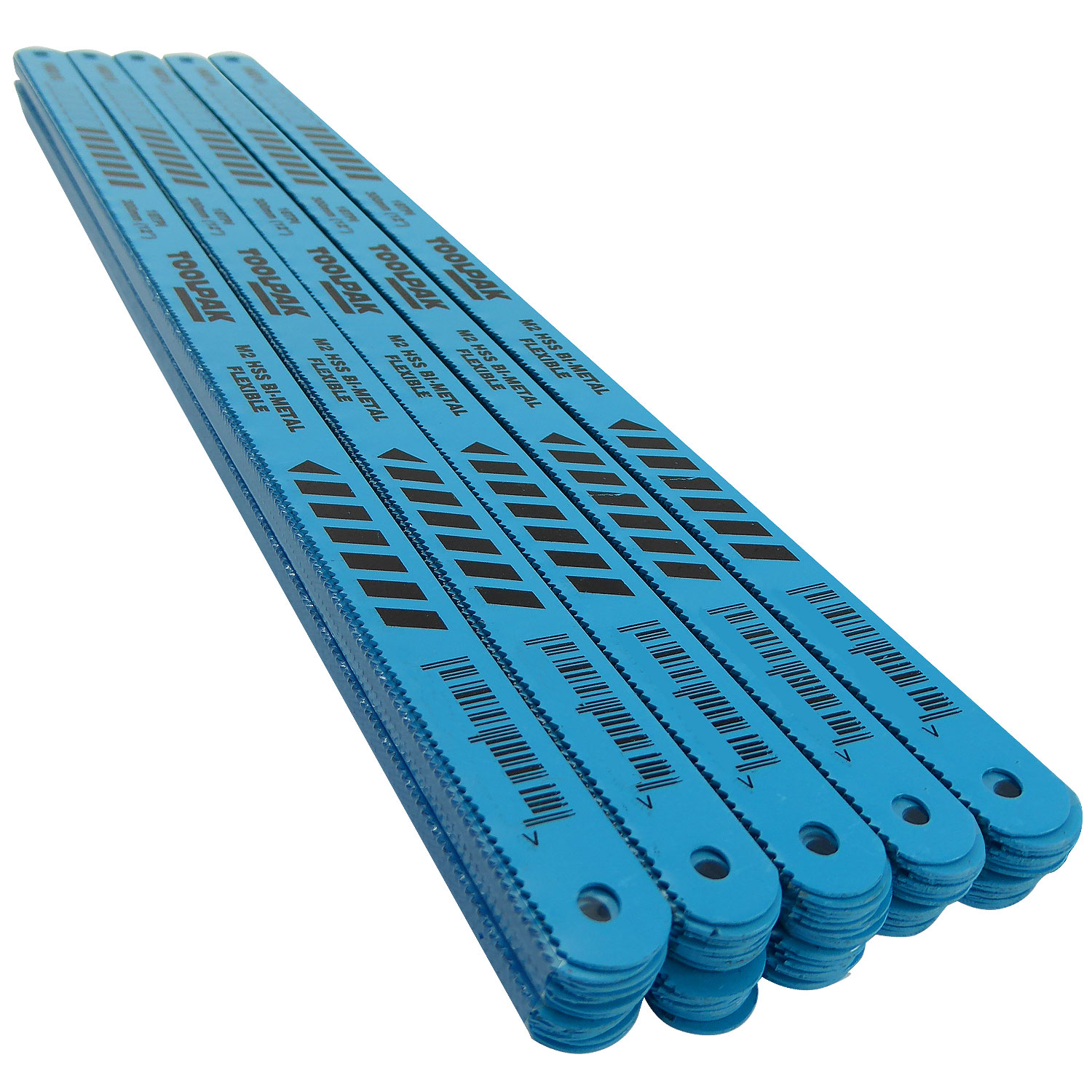
Use steady strokes, firm blade tension, and light pressure. Let the teeth remove the metal instead of forcing the blade through the work.
Basic cutting steps
- Secure the workpiece. Clamp it firmly in a vise or suitable fixture. Do not hold small metal pieces in your hand while sawing.
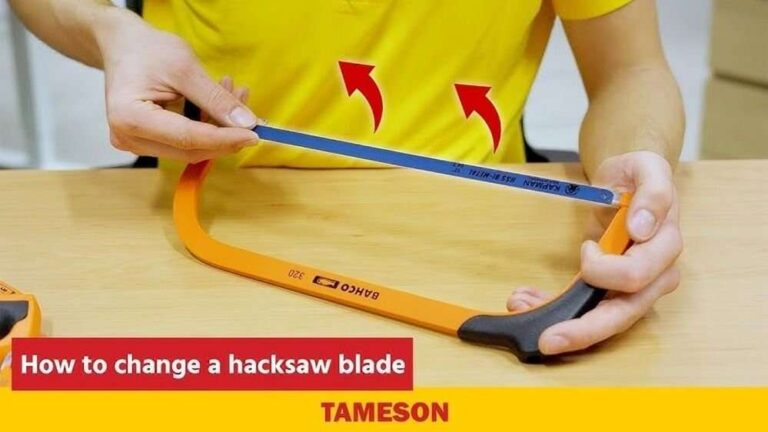
- Install the blade correctly. Most hacksaw blades are intended to cut on the forward stroke. Check the blade markings and frame design.
- Tension the blade. Tighten it until it is straight and firm. Avoid excessive force that could damage the frame or blade.
- Start with short strokes. Make a shallow groove at the marked cut line.
- Use full strokes. Once the groove is established, use as much of the blade length as practical.
- Keep the blade straight. Do not twist the frame to speed up the cut.
- Use moderate pressure. Push on the cutting stroke and release pressure on the return stroke.
- Clear chips when needed. Stop safely and brush away chips with a tool, not your bare hand.
- Slow down near the end. Thin remaining metal can break suddenly and leave a rough edge.
Lubrication can help with some metals, especially stainless steel and other materials that generate heat or resist cutting. Use a suitable cutting fluid when the material and workplace allow it. Keep fluids away from your hands and maintain a secure grip.
Signs that the blade and method are working
- The blade makes steady progress
- The cut stays near the marked line
- Teeth remain intact
- The blade does not buckle
- The workpiece stays secure
- Heat and vibration remain controlled
If the blade squeals, slips, wanders, or stops cutting, check the setup before pressing harder.
Why do bi-metal hacksaw blades break or wear out?
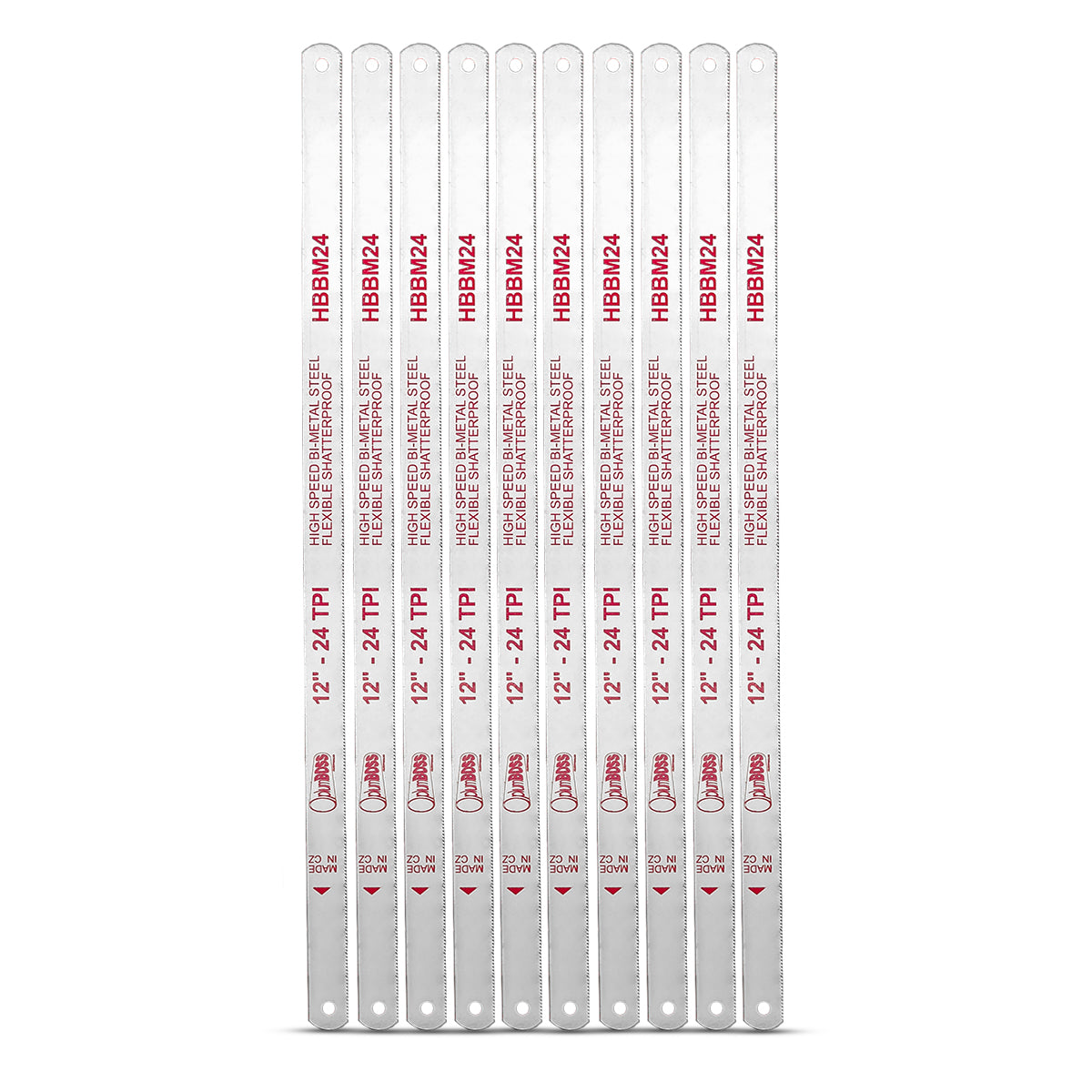
Most blade failures come from the wrong tooth pitch, poor tension, twisting, or excessive force. Bi-metal construction reduces some failures, but it cannot correct bad setup.
Symptom: Teeth strip early
Possible causes include:
- Too few teeth engaged in thin material
- Excessive downward pressure
- A loose workpiece
- Cutting hardened material with a general-purpose blade
- Starting the cut with a rocking motion
Use a finer TPI for thin stock. Clamp the work firmly. Start with light strokes.
Symptom: The blade snaps
Possible causes include:
- Twisting the blade during the cut
- Over-tensioning the frame
- Reusing a blade with damaged teeth
- Bending the blade sharply
- Installing the blade at an angle
- Allowing the cut to close and pinch the blade
A snapped blade can move quickly. Wear eye protection and keep your hands clear of the cutting path.
Symptom: The blade cuts very slowly
Possible causes include:
- TPI that is too fine for thick material
- Dull teeth
- Low blade tension
- Too little pressure
- A material that needs lubrication
- A blade that is not suited to the stock
Try a coarser pitch for thick material. Replace a dull blade rather than forcing it.
Symptom: The blade wanders
Possible causes include:
- A loose frame
- A dull or uneven tooth line
- A crooked starting groove
- Side pressure on the frame
- An unsecured workpiece
Make a small starter groove with the blade held square to the work. Then use smooth, straight strokes.
What are the safety limits?
A hacksaw is a simple tool, but cutting metal creates sharp edges, chips, and stored mechanical force. Use basic shop controls every time.
Wear safety glasses with side protection. Metal chips can leave the cut at unexpected angles. Gloves may help protect against sharp stock, but they can also catch on moving tools. Use gloves only when they fit well and do not interfere with control.
Keep the workpiece clamped. Do not brace it against your leg or hold it close to the cut. After cutting, deburr the edge with a file or another suitable tool.
Do not use a damaged blade. Missing teeth, cracks, kinks, and heavy wear are reasons to replace it. Do not try to straighten a bent blade while it is installed under tension.
For powered hacksaws or reciprocating saws, use a blade made for that tool. A hand-hacksaw blade is not automatically suitable for a power saw. Follow the tool maker’s instructions for blade type, speed, guarding, and personal protective equipment. OSHA’s general machine-guarding and personal-protective-equipment rules provide the U.S. workplace framework, but a specific job may require additional controls.

Bi-metal hacksaw blades: key advantages and limits
Bi-metal blades offer a strong balance, but each benefit has a boundary.
Advantages
- Better tooth toughness than many carbon-steel blades
- Greater resistance to tooth stripping
- Good flexibility in the blade body
- Suitable for many common metals
- Often better value for repeated work
- Available in many TPI choices
Limits
- Higher purchase price
- Not immune to incorrect technique
- Not always the best choice for very hard or abrasive material
- Can still dull on stainless steel or hardened alloys
- May perform poorly if the tooth pitch is wrong
- Does not replace a powered cutting tool for high-volume work
The most useful question is not “Is bi-metal better?” It is “Will its added toughness matter for this job?”
Who should buy bi-metal hacksaw blades?
Buy bi-metal blades if you cut steel, stainless steel, tubing, bolts, or other metal more than once in a while. They are also a good choice when replacing broken teeth interrupts work.
A homeowner doing one small plastic cut may not gain much from the upgrade. A plumber, mechanic, maintenance worker, metalworker, or serious DIY user usually will.
For a general-purpose kit, a 12-inch bi-metal blade in a medium or variable tooth pitch is a practical starting point. Add a finer blade for thin sheet and tubing. Add a coarser blade for thick solid stock.
Before buying, check:
- Blade length
- Frame compatibility
- TPI or variable pitch
- Material being cut
- Tooth material
- Blade thickness
- Pack price
- Whether the blade is made for hand use or powered equipment

Frequently asked questions
Are bi-metal hacksaw blades better than high-carbon steel blades?
For many metal-cutting jobs, yes. Bi-metal blades usually combine better tooth wear resistance with a more flexible back. High-carbon steel blades can still be useful for low-cost, light-duty work.
Can a bi-metal hacksaw blade cut stainless steel?
Yes, many can. Use a sharp blade with a suitable TPI, steady pressure, and a secure workpiece. Avoid letting the blade rub without cutting, because heat can damage the tooth edge and harden some stainless steels.
How long should a bi-metal hacksaw blade last?
There is no reliable single service-life number. Blade life depends on the material, thickness, tooth pitch, pressure, tension, lubrication, and number of cuts. Replace the blade when it cuts slowly, loses teeth, wanders, or requires unusual force.
Should I use oil when cutting metal with a hacksaw?
Sometimes. Cutting fluid can reduce friction and heat on suitable metals. Use a product made for the material and work area. Keep the handle dry and maintain a secure grip.
Can I sharpen a bi-metal hacksaw blade?
Usually, no. The small hardened teeth and welded construction make hand sharpening impractical. Replacing the blade is normally safer, faster, and more economical.

Final verdict: Are bi-metal hacksaw blades worth it?
Bi-metal hacksaw blades are worth it for most repeated metal-cutting work in the United States. Their hard tooth edge and flexible backing help them last longer and resist breakage better than many basic carbon-steel blades.
They are not always the best value for one quick cut or soft material. Select the right TPI, keep the work secure, use steady strokes, and replace the blade when it becomes damaged or dull.
For a next step, identify the material and its thickness, then choose a compatible blade with enough teeth engaged in the cut.
Recent Tool Guides
 Hammer
How To Hammer Flowers Onto Paper: Easy Guide
Learn how to hammer flowers onto paper with simple steps, helpful tips, and beautiful results for...
Read Guide → Wrench
How To Use A Hex Wrench: Easy Step-By-Step Guide
Learn how to use a hex wrench correctly with simple steps, helpful tips, and common mistakes...
Read Guide → Hacksaw
How To Cut Curtain Pole With Hacksaw: Easy Guide
Learn how to cut curtain pole with hacksaw safely and neatly. Follow simple steps for accurate...
Read Guide → Wrench
How To Use A Husky Torque Wrench: Easy Guide
Learn how to use a Husky torque wrench correctly with simple steps, torque settings, and safety...
Read Guide → Hammer
How To Hold A Hammer: Safe Grip Guide
Learn how to hold a hammer with the right grip, stance, and technique for safer, more...
Read Guide → Hacksaw
How To Cut Flexible Metal Conduit With Hacksaw: Easy Guide
Learn how to cut flexible metal conduit with hacksaw safely and cleanly. Follow simple steps for...
Read Guide →